
Master Your Tablet with These Digital Art Free Courses
Why Digital Art Free Courses Are the Smartest Way to Start Creating in 2026
Digital art free courses are widely available right now across trusted platforms — and you don’t need to spend a cent to start building real skills.
Here are the best free digital art courses you can start today:
| Course / Platform | Focus Area | Duration | Certificate |
|---|---|---|---|
| Ctrl+Paint | Digital painting fundamentals | Self-paced (100+ videos) | No |
| Cursa – Digital Painting | Photoshop, color theory, anatomy | 27 hours | Yes (free) |
| Udemy – Art Fundamentals | Building blocks of digital painting | Self-paced | No |
| Paintable – Beginner’s Toolbox | Composition, lines, contrast | Self-paced | No |
| Alison – Digital Art | Coloring, design, rendering | Self-paced | Yes (CPD) |
| MoMA on Coursera | Modern/contemporary art concepts | Self-paced | Paid upgrade |
| Domestika – Free Lessons | Illustrator, Photoshop, Procreate | Short lessons | No |
Learning digital art used to feel out of reach. Software costs money. Classes cost more. And staring at a blank canvas with a new stylus — and no idea where to begin — is genuinely frustrating.
Sound familiar? You’re not alone.
The good news is that in 2026, the barrier to entry has never been lower. Platforms like Ctrl+Paint, Cursa, and Alison offer structured, high-quality instruction completely free. Whether you want to master Photoshop, explore Procreate, or just understand color theory and composition, there’s a free course built for exactly where you are right now.
Over 50 million learners have already used free platforms like Alison to build creative skills. Udemy’s free art fundamentals course alone has pulled in more than 60,000 enrollments — proof that free doesn’t mean low quality.
This guide breaks down the best options so you can stop searching and start creating.
Digital Art Free Courses: Top Platforms to Start Today
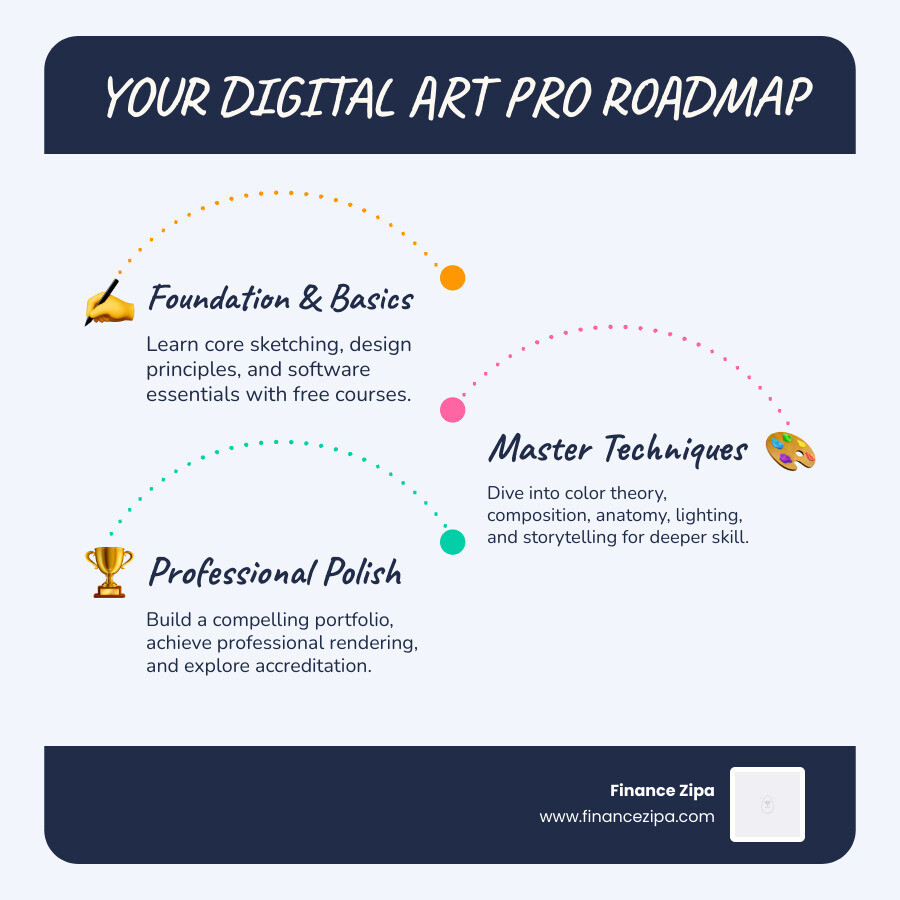
When we look for the best digital art free courses, we aren’t just looking for random YouTube clips; we are looking for structured paths that take you from “I can’t draw a circle” to “Look at this character I designed.”
In April 2026, several platforms stand out for their accessibility and depth. Alison, for instance, has empowered over 50 million learners worldwide. Their platform is excellent if you want to understand the industry-standard applications of digital art in movies, video games, and animation. They offer over 6,000 courses, including specific tracks for coloring, design, and rendering.
If you prefer a more “art school” vibe without the tuition bill, Ctrl+Paint is a goldmine. It features a massive library of hundreds of streaming videos organized in a logical progression. The videos are bite-sized—usually around 5 minutes—which is perfect for those of us with the attention span of a caffeinated squirrel.
For mobile learners, Cursa offers a massive 27-hour comprehensive Photoshop training course. It’s one of the few places where you can get a free certificate upon completion, which is a huge plus if you’re looking to boost your resume.
Comprehensive Digital Art Free Courses for Beginners
If you are just starting, you need to focus on the “building blocks.” You can’t paint a masterpiece if you don’t understand how a brush works.
One of the most popular entry points is the Udemy course, “Art Fundamentals – Building Blocks of Digital Painting.” With a 4.6 rating and over 60,000 students, it covers the habits of successful artists, sketching basics, and design principles. It’s designed to help you make your very first digital painting without feeling overwhelmed.
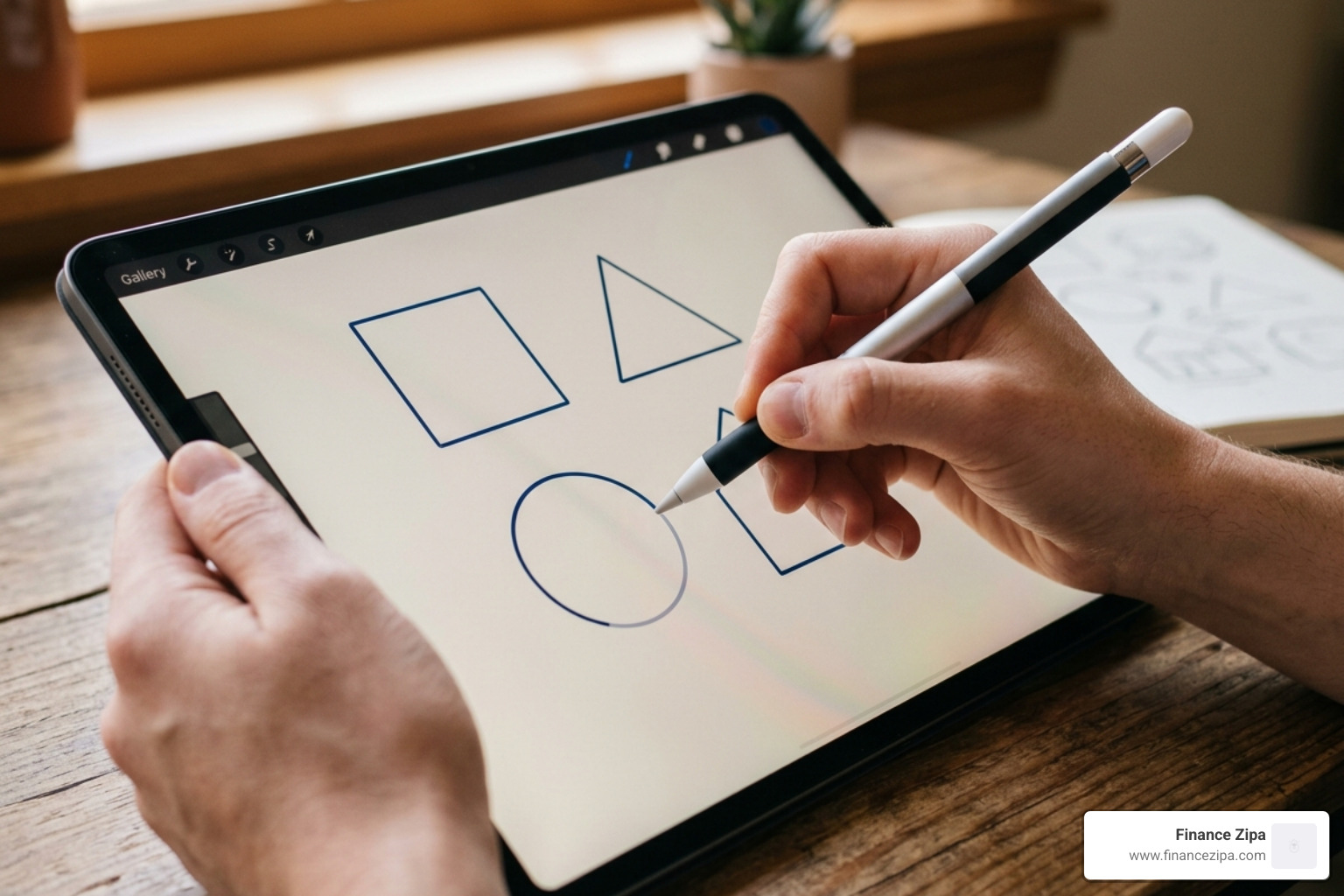
A typical beginner syllabus includes:
- The Language of Visual Arts: Understanding terms like value, hue, and saturation.
- Sketching Basics: Learning to use your tablet stylus to create confident strokes.
- Value Painting: Using only black, white, and grays to understand form before adding color.
For those struggling with “blank canvas syndrome,” we highly recommend Paintable’s “Digital Painting: A Beginner’s Toolbox.” This free course focuses on five essential techniques, such as drawing smooth lines and using textures to avoid that intimidating white screen.
Advanced Techniques in Digital Art Free Courses
Once you’ve mastered the basics, it’s time to level up. Advanced digital art free courses move away from “how to use a brush” and toward “how to tell a story.”
Cursa’s advanced modules dive deep into human anatomy, specifically the intricacies of drawing and painting the human eye. They also cover complex perspective types, including 3-point and atmospheric perspective, which are vital for environment artists.
If you want to blend traditional art history with modern techniques, MoMA’s courses on Coursera—like “In the Studio: Postwar Abstract Painting”—provide a fascinating look at materials and techniques. While these aren’t “how-to” tutorials in the traditional sense, they offer unlimited enrollment and deep insights into the creative process of master artists.
For those interested in the technical side of image manipulation, Image Editing | Coursera offers a modern look at photo compositing and the use of Generative AI tools. This is where you learn to blend multiple images into a seamless, complex character design or environment.
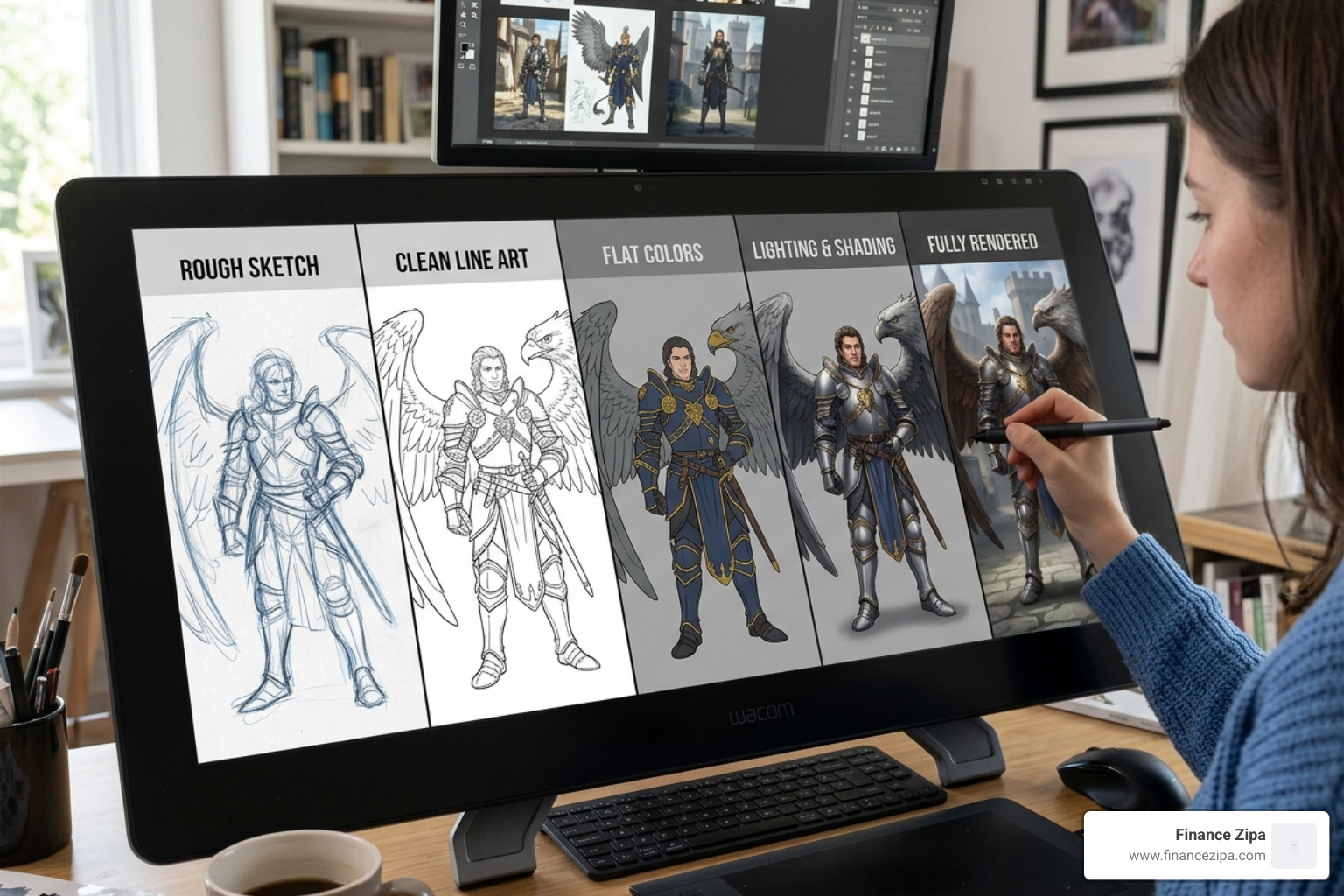
Essential Skills for Modern Digital Illustrators
To succeed in the 2026 creative market, you need a toolkit of skills that go beyond just “drawing well.” Most digital art free courses focus on these core artistic fundamentals:
- Color Theory: Understanding gamut masking and how to create harmonious palettes.
- Composition: Using the rule of thirds or leading lines to guide the viewer’s eye.
- Texture: Applying what some experts call “magic sprinkles”—those final details that make a surface look like wood, metal, or skin.
- Lighting: Mastering “Sunny Day” lighting or moody, cinematic shadows.
- Anatomy: Knowing the underlying structure of the body to make characters look believable.
Domestika often offers free access to specific lessons from their experts. For example, you might find a class on how colors affect the mood of a portrait or how to create volume using gradients in Adobe Illustrator. These are perfect for quick skill-building in illustration and painting.
Furthermore, getting CPD accreditation through platforms like Free Online Digital Art Courses – Alison can give your portfolio professional weight. It shows potential employers that your skills are up to industry standards.
Overcoming Technical Challenges and Software Basics
Let’s be real: digital art has a steep learning curve. Wobbly lines and “plastic-looking” skin are the banes of every beginner’s existence.
To overcome these, you need to master your software. Most digital art free courses focus on Photoshop, but the techniques often translate to Procreate or Illustrator.
- Wobbly Lines: Use the “stabilization” or “smoothing” settings in your software. Courses like Paintable teach you how to move your entire arm, not just your wrist, to get those clean, professional strokes.
- Layer Masks & Blending Modes: These are the “secret sauce” of digital art. They allow you to add shadows and highlights without destroying your original drawing.
- Generative AI: Modern courses now include how to use AI for “Generative Fill” to quickly expand backgrounds or add textures, saving hours of manual labor.
If you’re looking for a quick start, check out this Digital Art Bootcamp – CLASS 1.1 (FREE TUTORIAL!) – YouTube for a hands-on software setup guide. Additionally, you can find a variety of curated lessons on this Free Digital Art Courses – YouTube playlist.
Frequently Asked Questions about Digital Art
Do free digital art courses provide professional certificates?
Yes, some do! Cursa and Alison are known for providing free certificates or CPD-accredited diplomas. While some platforms like Coursera (MoMA) require a paid upgrade for the official certificate, you can still access all the learning materials for free.
Which software is best for starting digital art without a subscription?
While many courses use Photoshop, you can apply the same principles to free alternatives like Krita, GIMP, or the budget-friendly Procreate (on iPad). Most instructors in digital art free courses emphasize that the technique is more important than the specific software brand.
How long does it take to complete a comprehensive digital painting course?
It varies wildly. A “mini-course” on Paintable might take 2 hours, while the comprehensive Cursa Photoshop course takes over 27 hours of video time. Most learners find that spending 5-10 hours a week allows them to finish a foundational course in about a month.
Conclusion
As we move through April 2026, digital creativity is more accessible than ever. You don’t need a fancy degree to become a professional illustrator; you just need a tablet, a bit of patience, and the right digital art free courses to guide your hand.
From the bite-sized lessons of Ctrl+Paint to the deep dives on Cursa, the resources are at your fingertips. At Finance Zipa, we believe that everyone has a creative spark waiting to be unleashed. By mastering these digital tools, you aren’t just learning to draw—you’re learning to communicate in the visual language of the future.
Ready to take the next step? Explore more tutorials and resources to unleash your creativity and start your journey toward becoming a digital master today!
